








4.1
Free
3uTools
Repair tool for iOS devices
View an ad to download for free
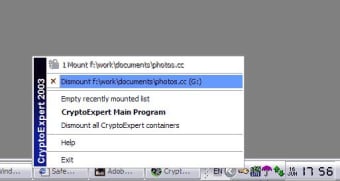
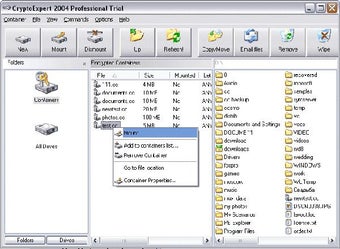
CryptoExpert creates encrypted virtual disks and these disks are visible as usual disks with drive letters (for example, G:, H:, Z:, i. e. with any drive letter that is not used by other system devices).
The data stored on a CryptoExpert disk is stored in the container file. A container is a file, so it is possible to back up a container, move or copy it to another disk (CD-ROM or network, for instance) and continue to access your encrypted data using CryptoExpert. Any free drive letter (or choosen letter) in the system may be used to mount and to open an encrypted file-container for access. When the virtual disk is opened, you can read and write data as if it were a conventional removable disk. You can do anything with a CryptoExpert virtual drive that you can do with a normal hard drive; only that with CryptoExpert, the encrypted volumes require password authentication before the files become accessible.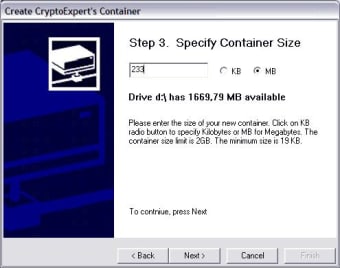
Free
Windows
Windows NT
English
1K
6.47 MB
View an ad to download for free
Have you tried CryptoExpert 2011? Be the first to leave your opinion!
Add review
Install the latest driver for HP g2410 scanner driver windows 7

Install the latest driver for HP laserjet 1000

Install the latest driver for HP deskjet f4180

Install the latest driver for HP laserjet 4250

Install the latest driver for HP elitebook 840

Install the latest driver for HP photosmart c5280

Securely Erase Your Files with Disk Doctors File Shredder

Great utility for your WebCam
Efficient Utility Software for Windows Users

Tweak, optimize and customize your Vista computer
Comprehensive Management Tool for Home Libraries
Comprehensive iPad, iPhone and iPod transfer and conversion tool